Press kit
Know what your Mac is doing.
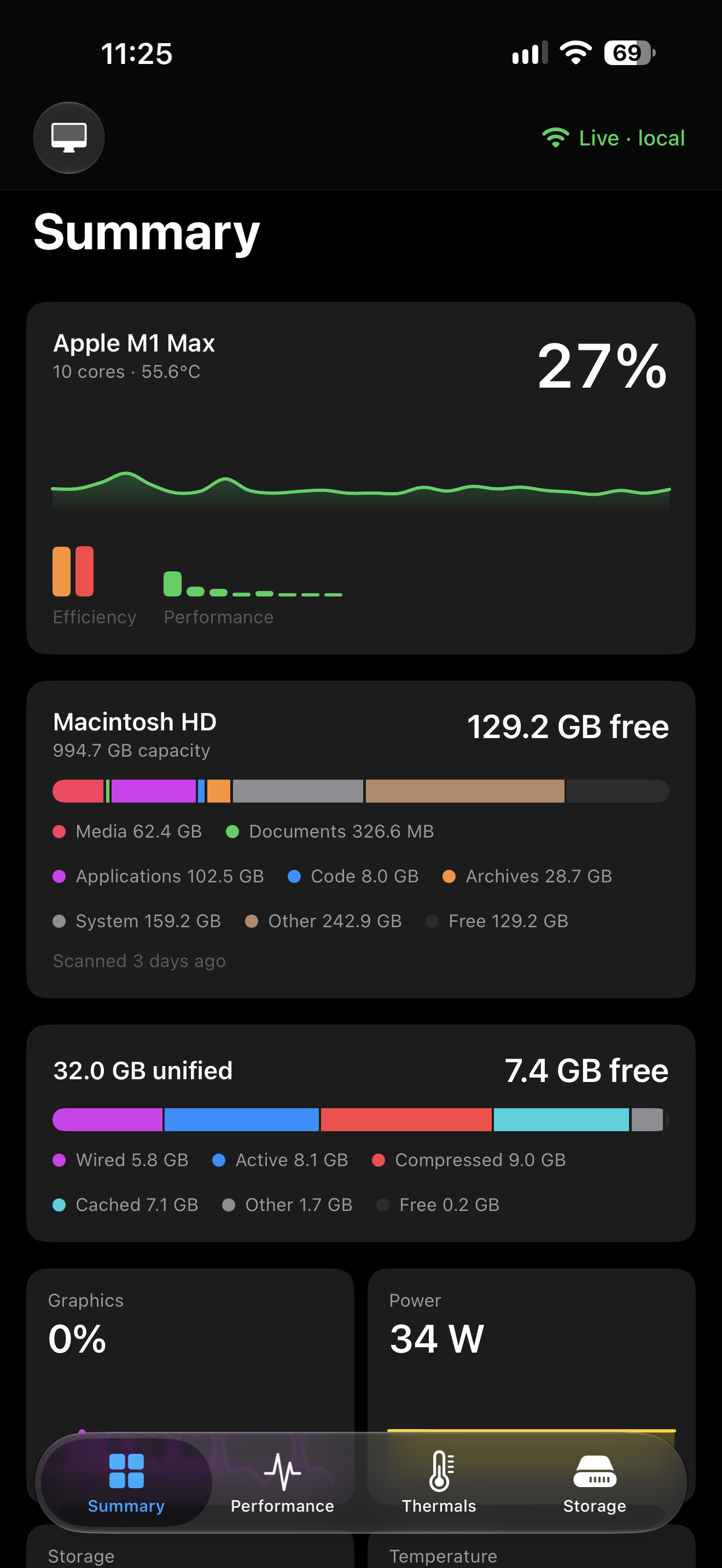
Pulse shows what a Mac is actually doing. Processor load, memory pressure, temperatures, fan speed, power draw, disk activity and the processes behind all of it, read live and laid out so the number you want is the one you see first. Favourite the readings you check most and they stay at the top. The iPhone and iPad apps show the same Mac from across the room over your own local network, so nothing about the machine leaves it. Disk benchmarks are kept, so this month's read and write speeds can be set against last month's.
Studio name is styled Avenue apps: capital A on Avenue, lowercase a on apps.
Assets
Screenshots and artwork
Screenshots are unmodified captures, with no device frames or effects applied. Present them however suits your layout. Artwork may not be altered, recoloured or composited.
App icon

The Pulse app icon, at full size and unmodified.
Mac
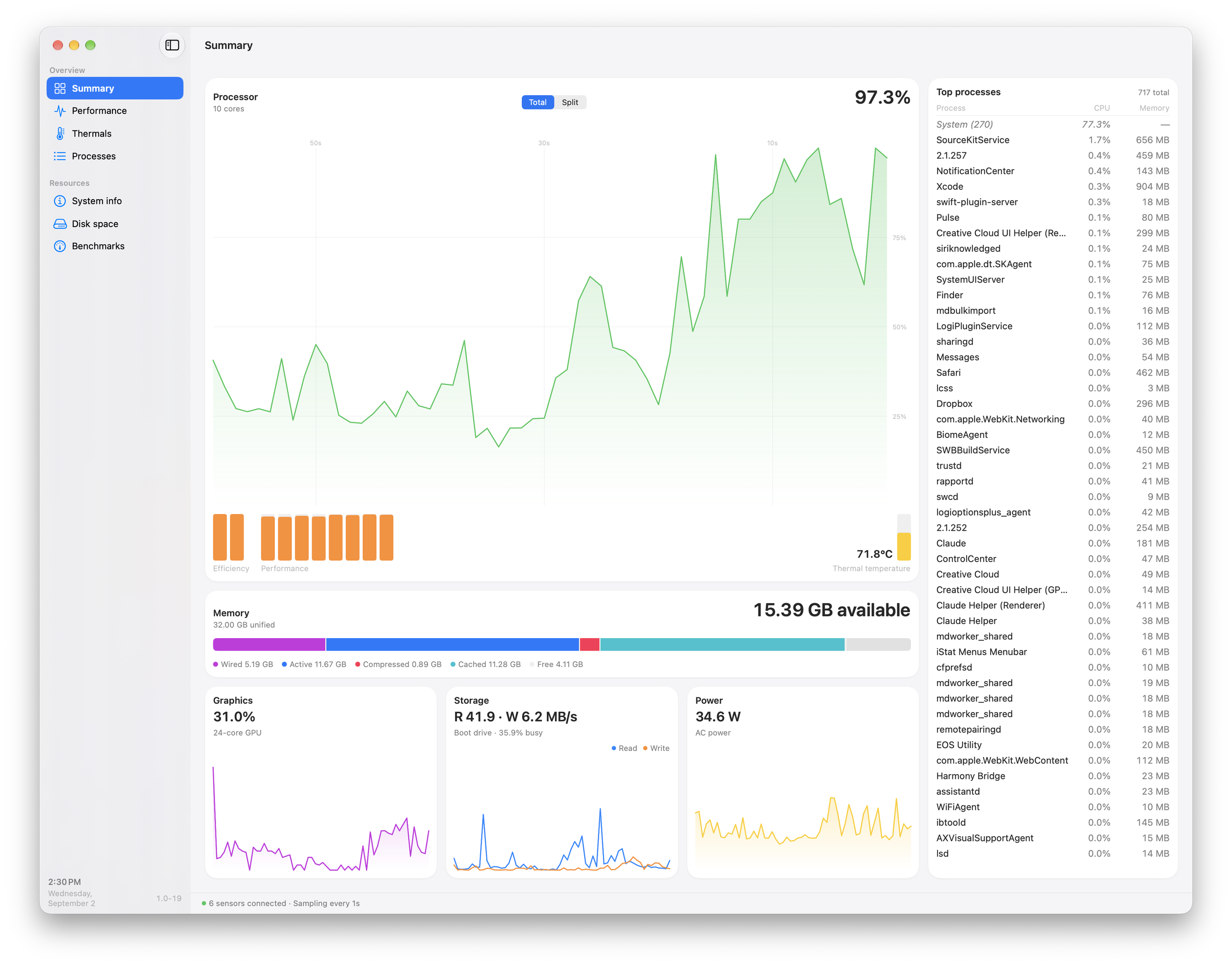
The Summary window: a live processor chart, memory, storage, power draw and the processes using most of each.
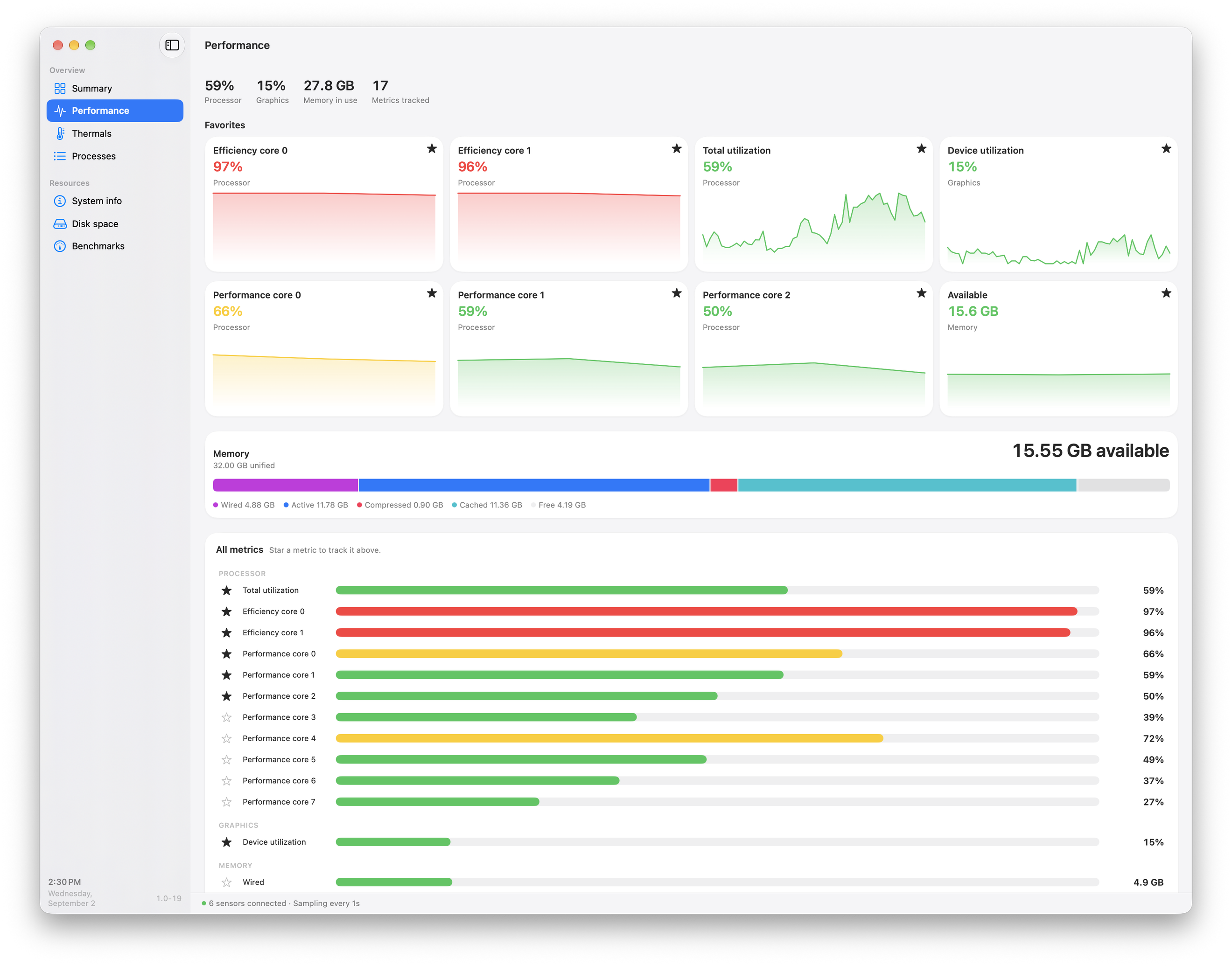
The Performance view, with starred metrics pinned above the full list of processor, graphics and memory figures.
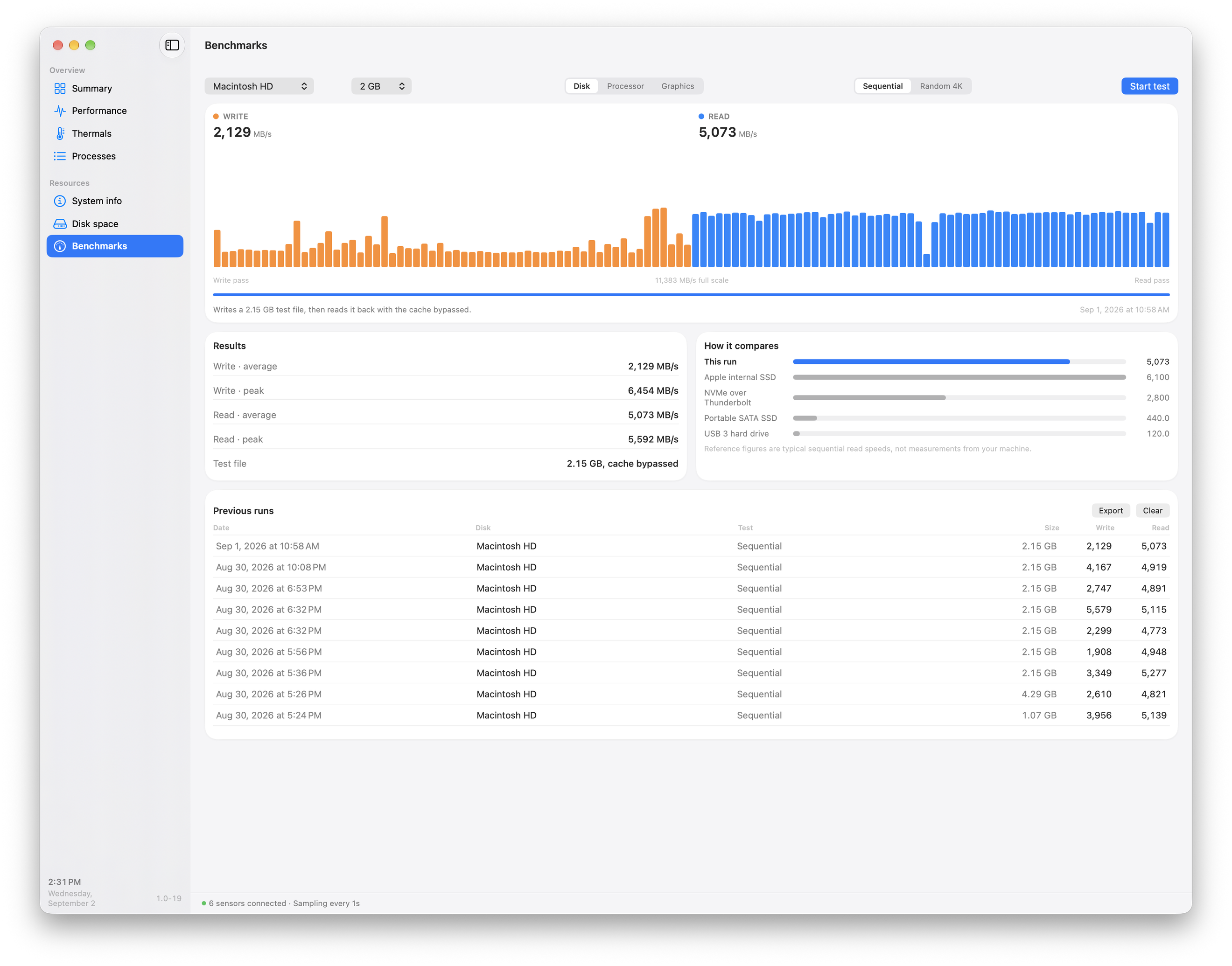
A disk benchmark part way through its write and read passes, with earlier runs kept below.
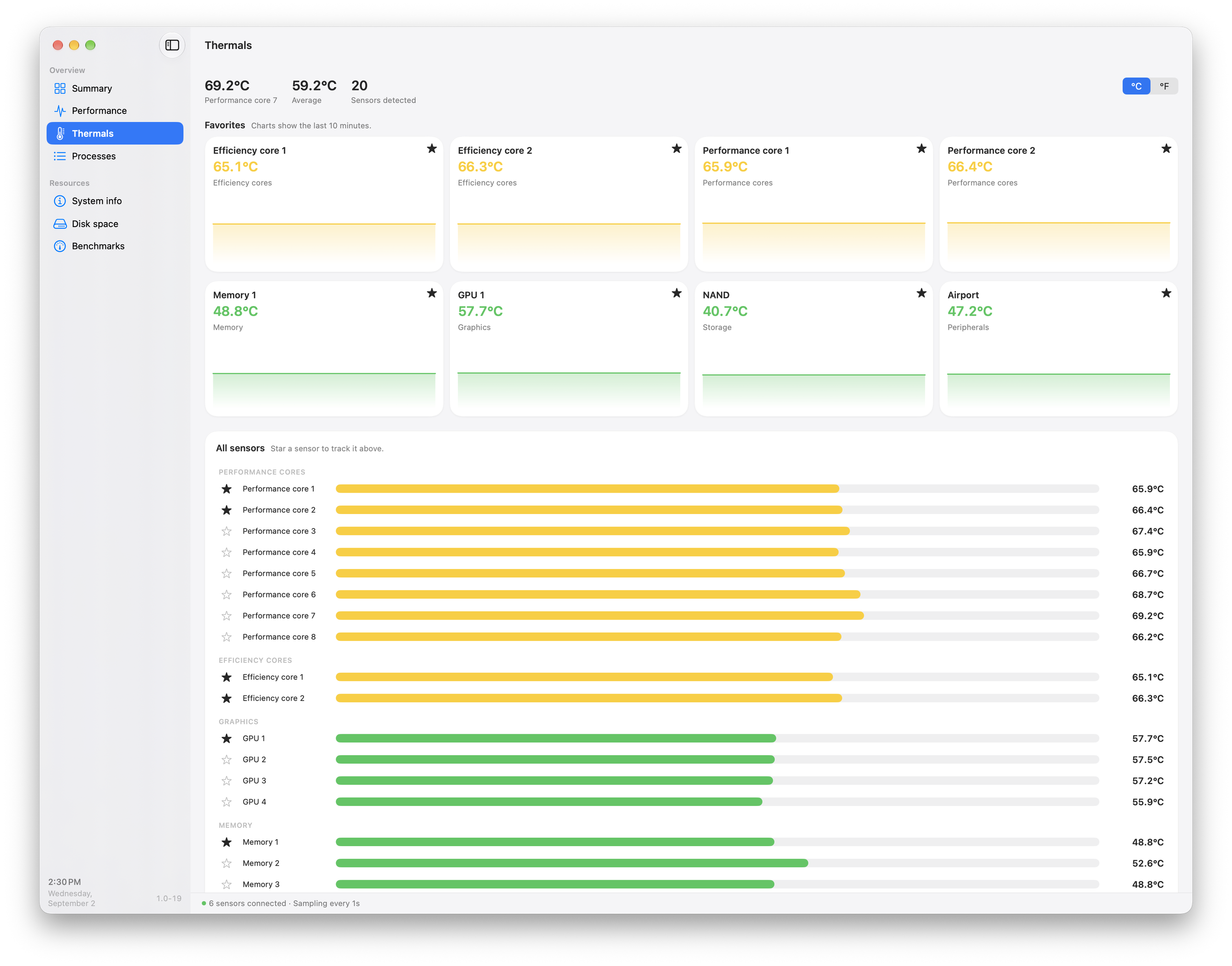
The Thermals view, with every sensor grouped by performance cores, efficiency cores, graphics, memory and peripherals.
iPhone
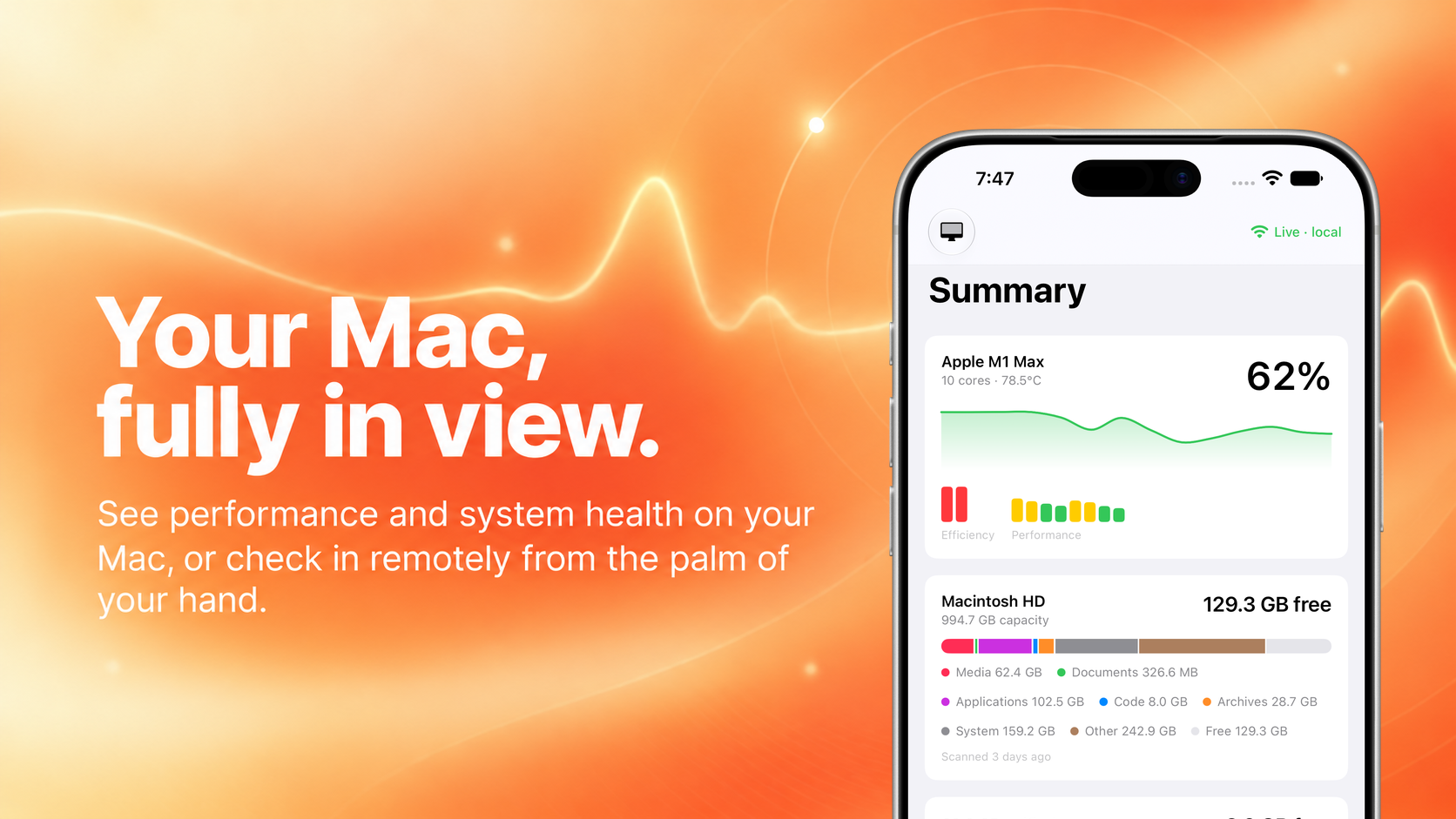
A composed marketing graphic: the iPhone Summary screen against an orange gradient, statically composited (not the site's live DeviceFrame) so it renders identically at every size.
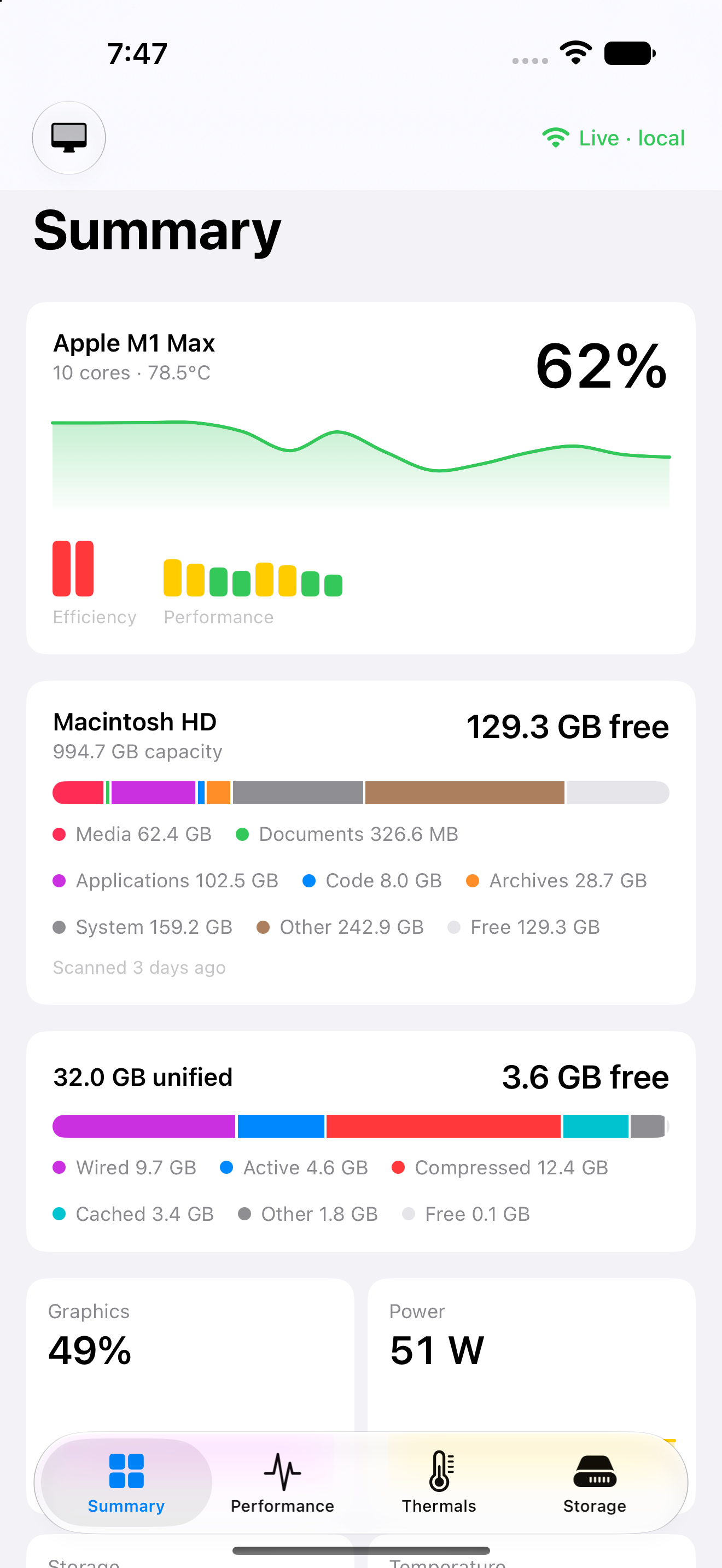
The Mac's summary on iPhone: processor load, memory, drives and power draw.
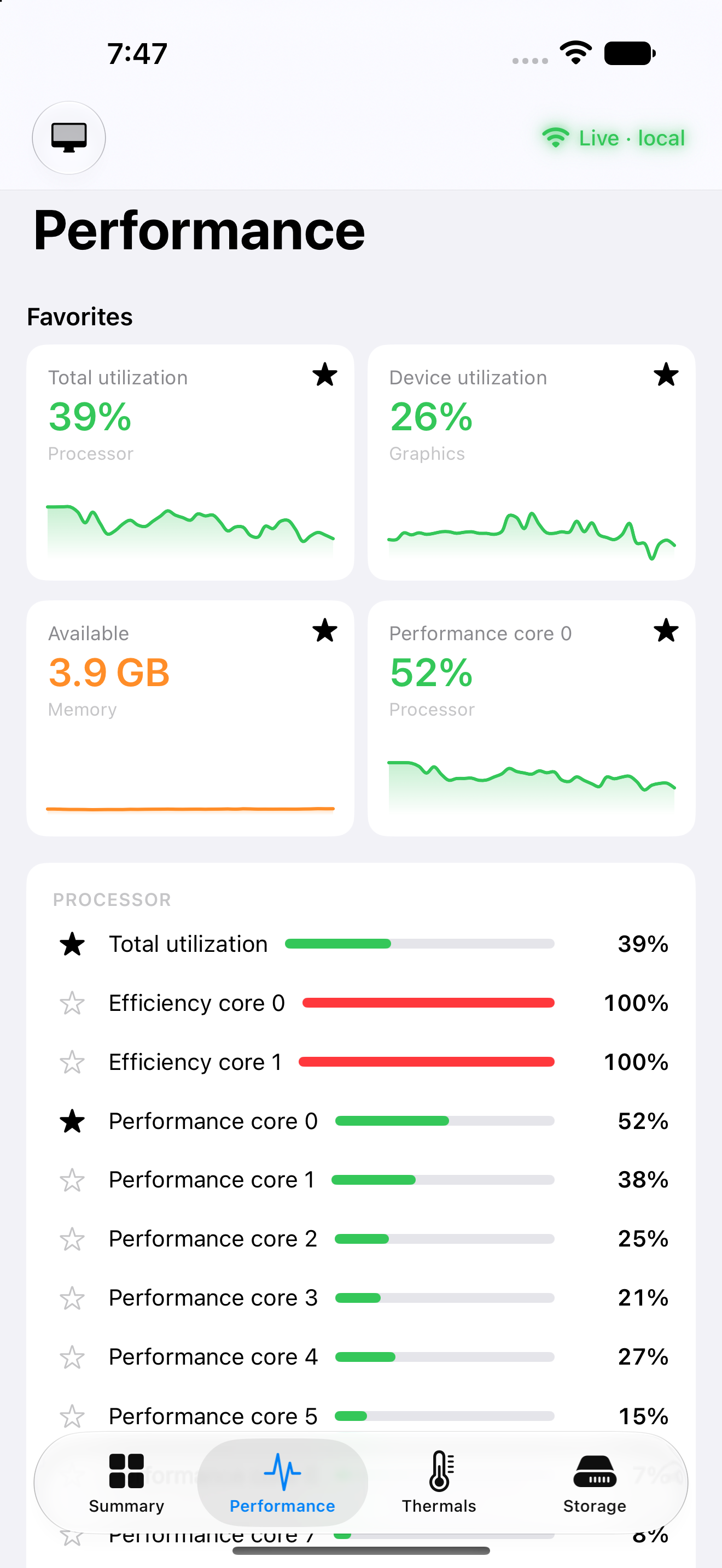
Favourited readings pinned above every processor core, on the phone.
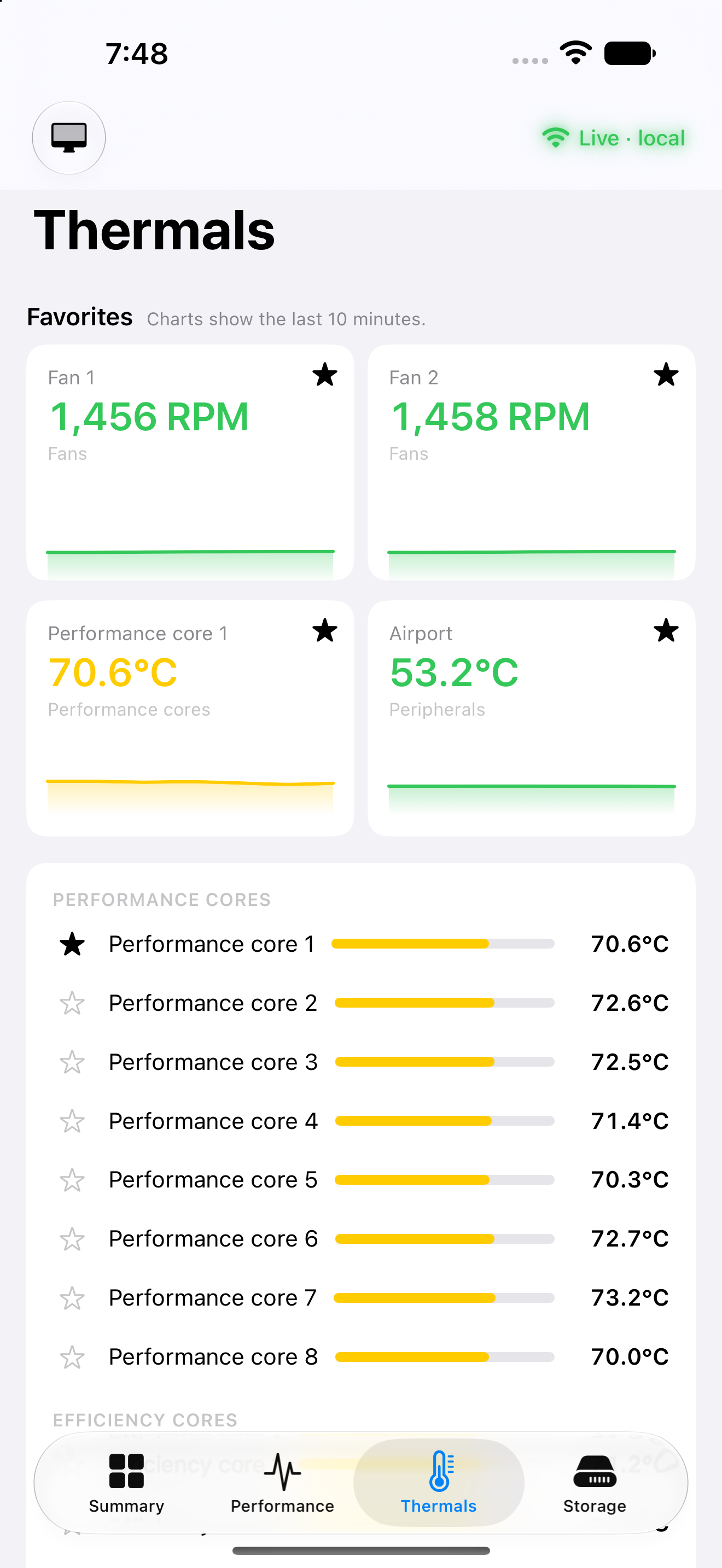
Temperatures and fan speed on the phone, with each core listed underneath.
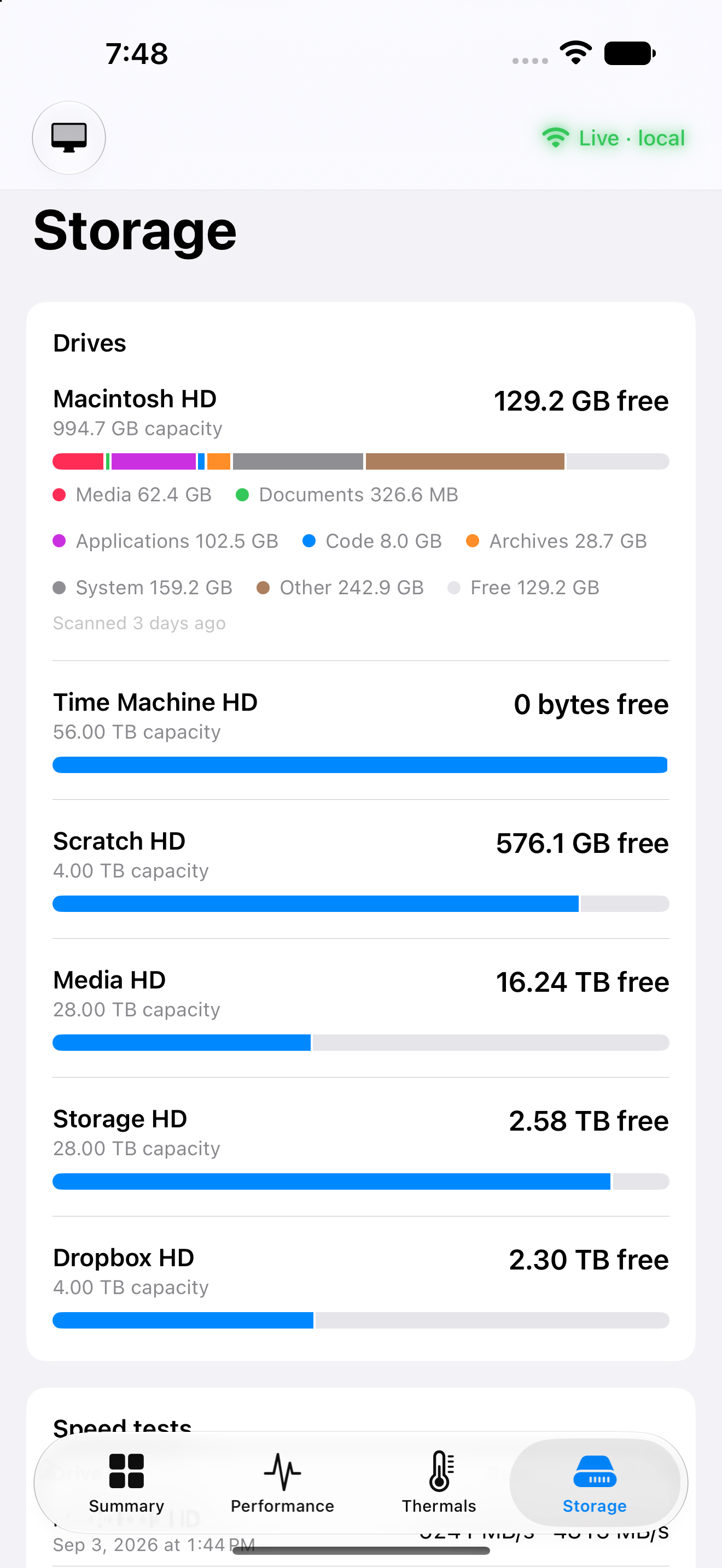
Every drive and what is left on it, with speed tests below.
The same summary in dark mode.
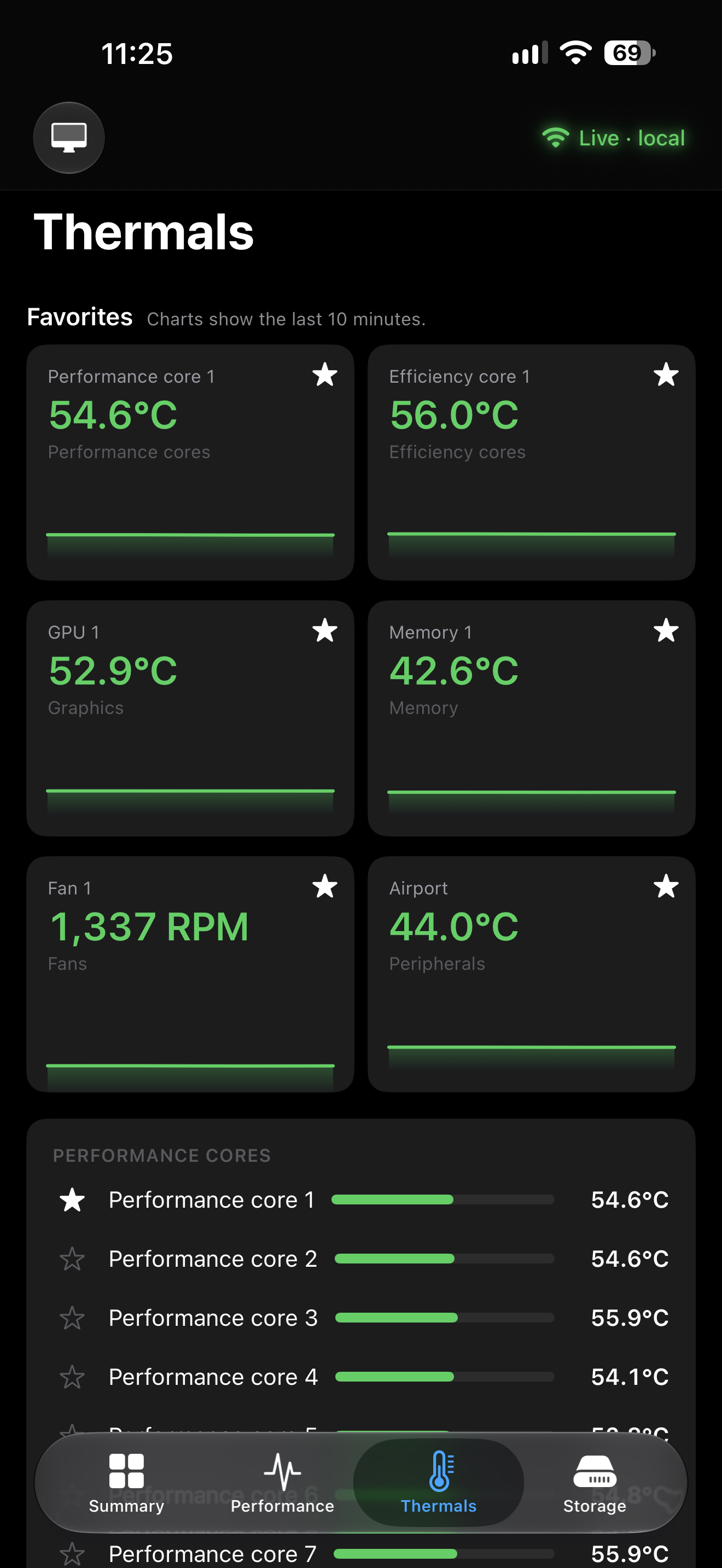
Thermals in dark mode, cores and fan speed together.
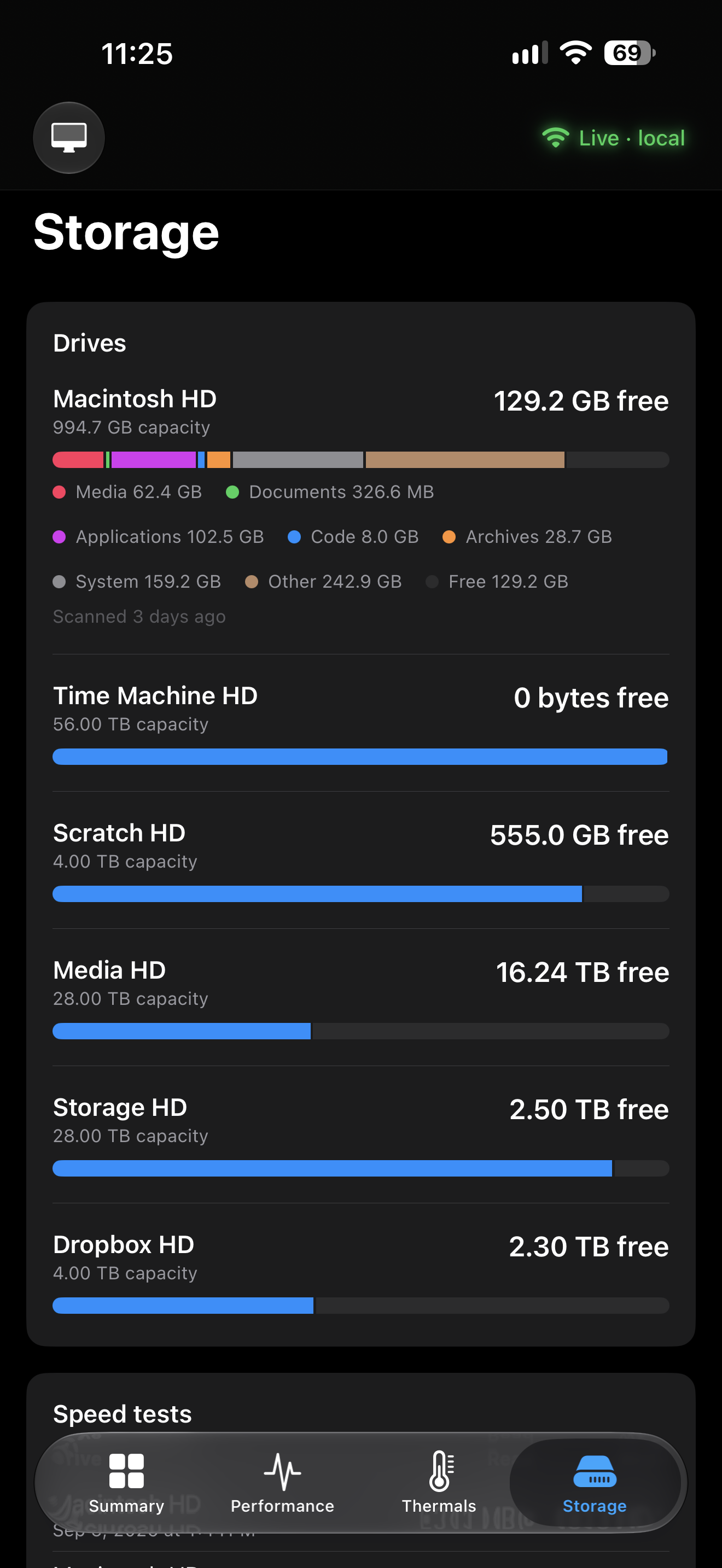
Drives and capacity in dark mode.
iPad
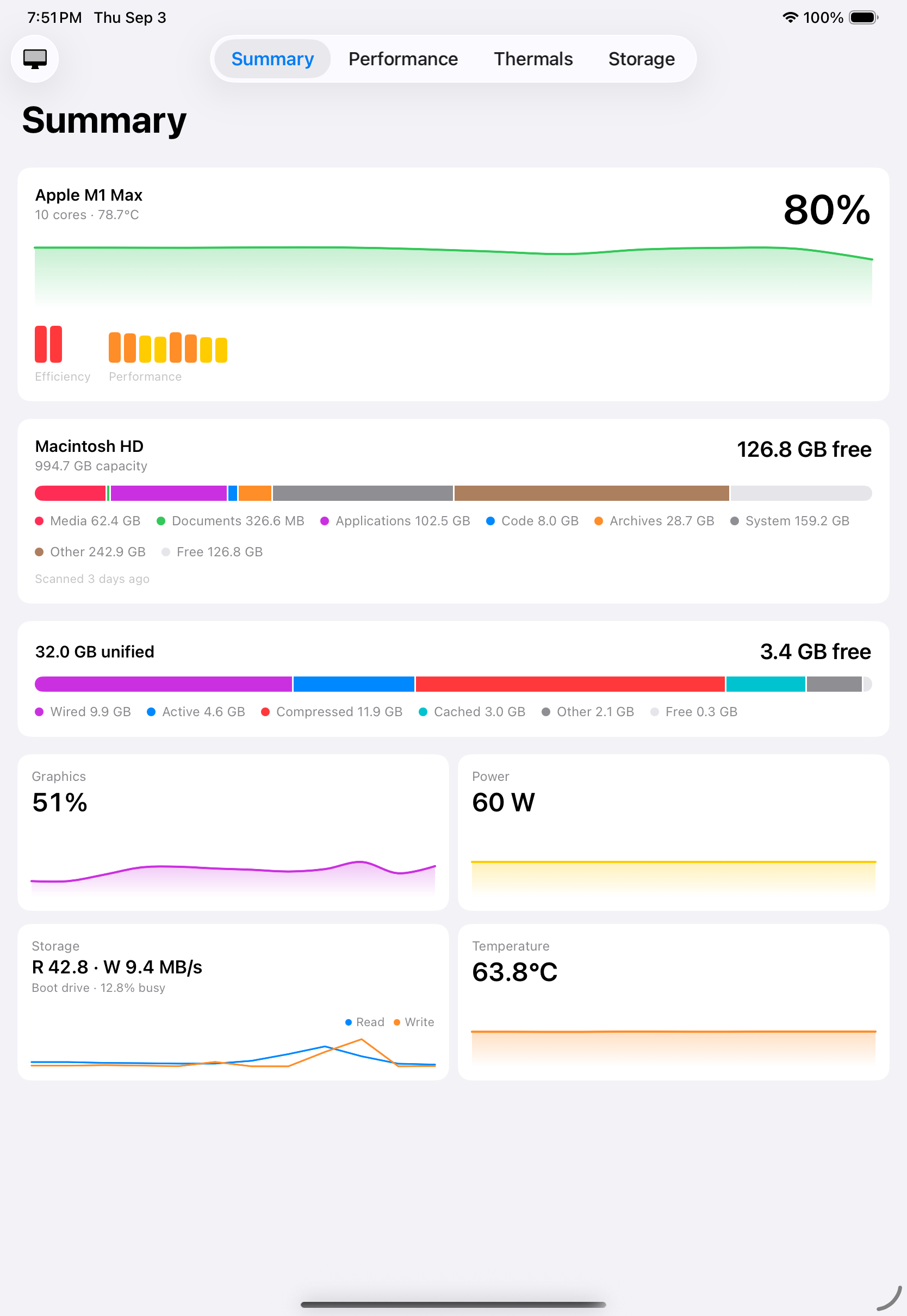
The summary on iPad, with the whole processor and memory picture on one screen.
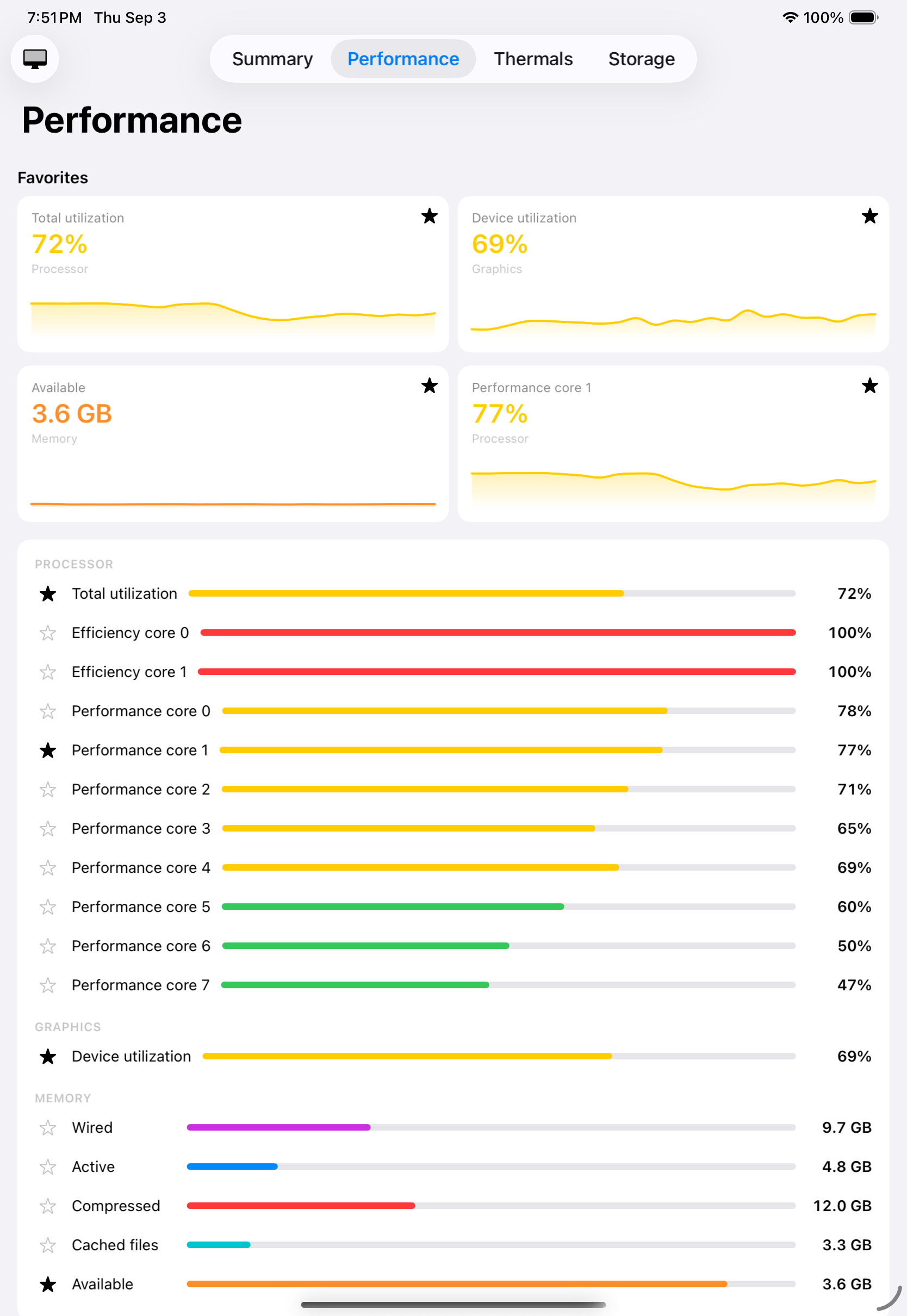
Favourites above the full core list, at iPad size.
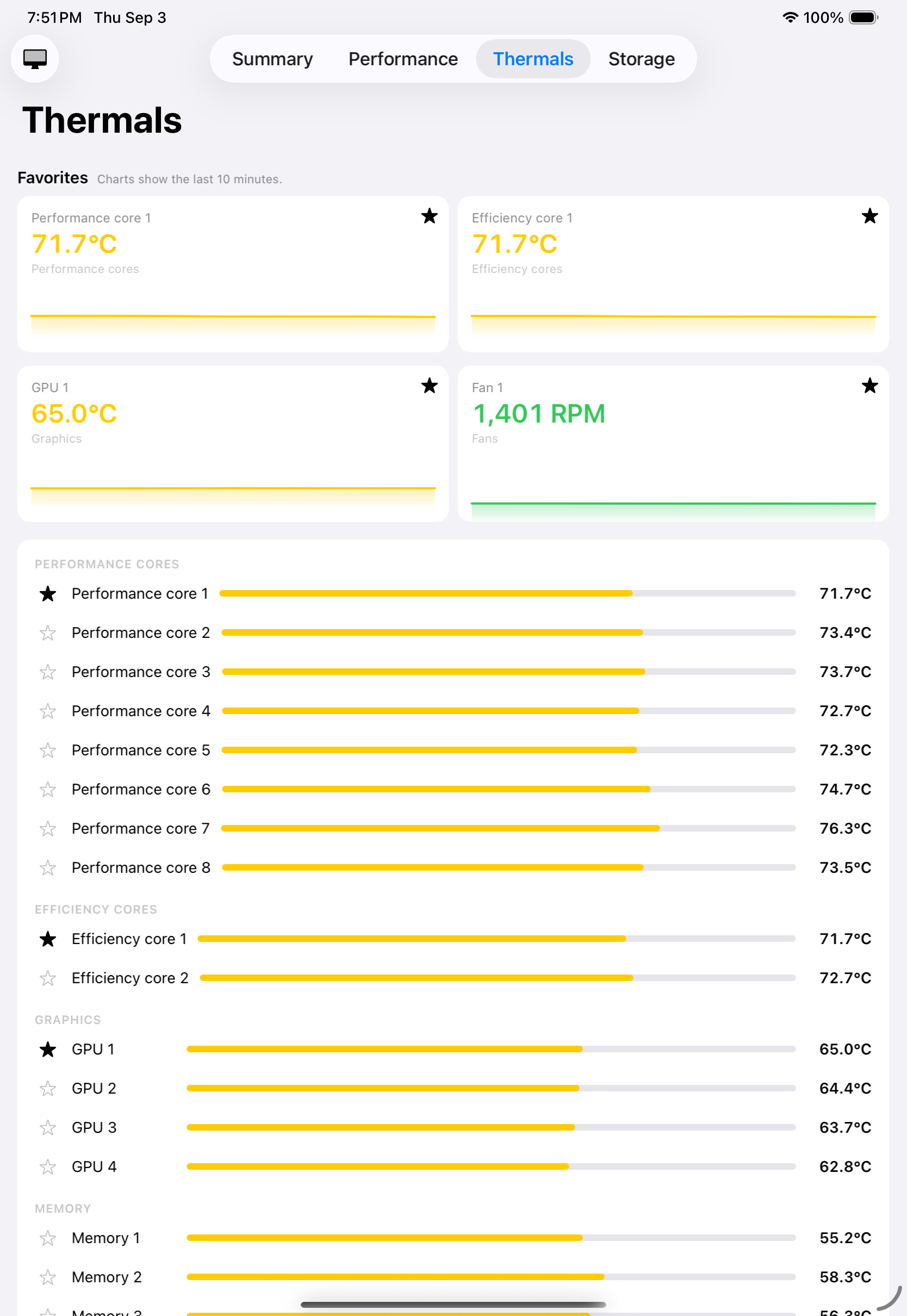
Temperatures across the cores and the graphics processor, sensor by sensor.
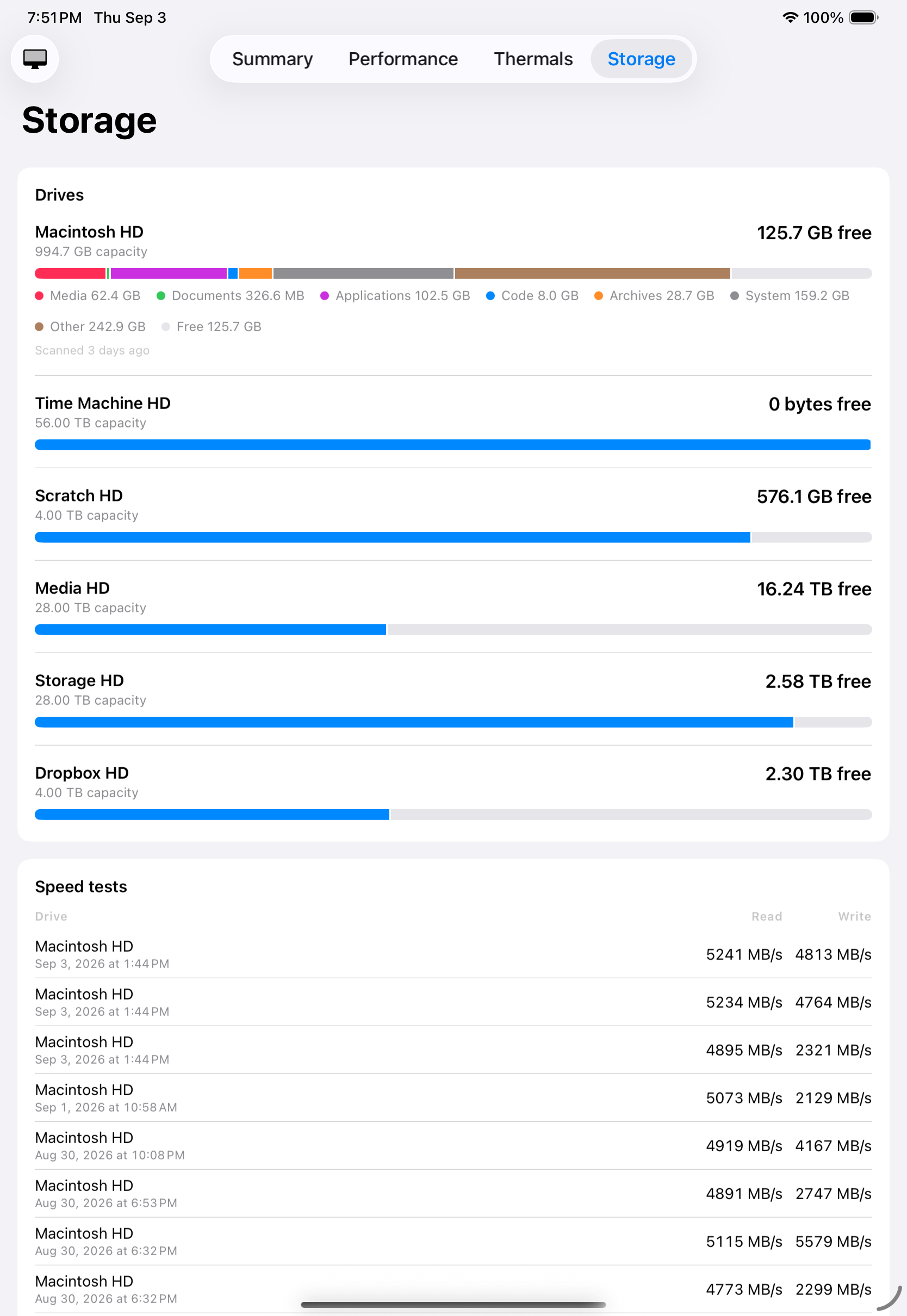
Drives, capacity and saved speed tests together on one screen.
Press enquiries: support@avenueapps.ca · Pulse's own page · Privacy · Support